Activates on Steam. Region: Global. Software licence.
GameGuru - Mega Pack 2 DLC
The Game Creators
€0.52
€0.52
In stock
Number of keys
Delivered to your account, usually within minutes after payment is confirmed.
Card payment on a hosted page with 3-D Secure.
- Replacement or refund if a key doesn't work.
Before you buy
- Platform
- Activates on Steam. You need a Steam account and the Steam app.
- Region
- Global: no regional lockREGION FREE
- Languages
- English
- Delivery
- To your account, usually within minutes after payment is confirmed
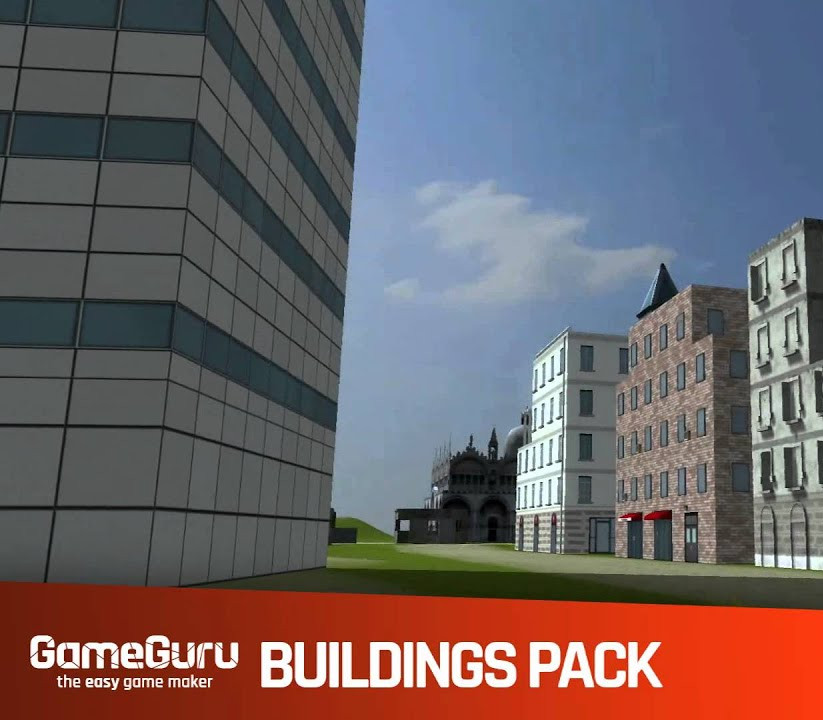
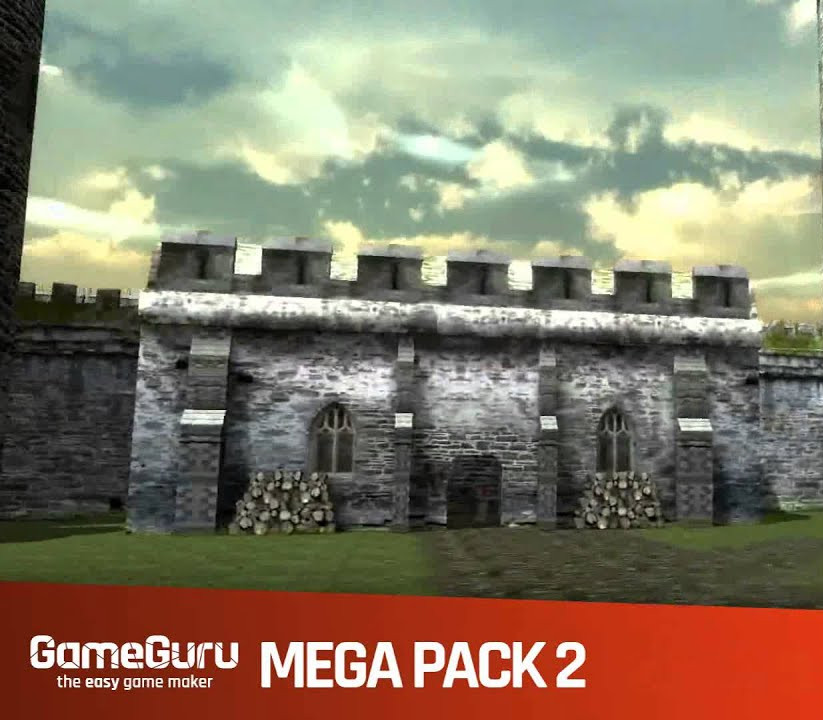
This bumper pack contains over 600 game ready entities! The pack includes assets that can be used to construct game scenes based in castles, dungeons, caves, church interiors and temples. There are two winged demon enemies that will add some great combat to your games. The pack also includes a range of useful decal animations, these are great for adding special effect touches to your games. The pack will effortlessly install direct into your GameGuru library. When you run GameGuru and click on New Entity in the Library you will see a new section called "Mega Pack 02". Click on it to start exploring your new library resource of game assets. All the assets in this Mega Pack are royalty free, meaning any game you make with them can be legally sold by you. Features 20 Castle parts 187 Catacombs items 73 Cave items Two Winged Demon Enemies 77 Church items 21 Emission decals 14 Explosion decals 7 Impact decals 5 Light decals 25 Dungeon parts 72 Gothic Fixtures 28 Furniture items 72 Gothic scenery parts
Redeem on Steam
You need a Steam account and the Steam app.
- Step 1: Open Steam and sign in.
- Step 2: Open the Games menu, then choose Activate a Product on Steam…
- Step 3: Enter the key and follow the prompts.
- Step 4: The game appears in your Library.
Activation notes from the publisher
Go to: http://store.steampowered.com/ and download STEAM client Click "Install Steam" (from the upper right corner) Install and start application, login with your Account name and Password (create one if you don't have). Please follow these instructions to activate a new retail purchase on Steam: Launch Steam and log into your Steam account. Click the Games Menu. Choose Activate a Product on Steam... Follow the onscreen instructions to complete the process. After successful code verification go to the "MY GAMES" tab and start downloading.
- Platform
- Steam
- Region
- Global (listed as “REGION FREE”)
- Type
- Software licence
- Languages
- English
- Publisher
- The Game Creators
- Keyrook catalogue no.
- KR-99C2BC083E
More for Steam
Close to this price.
Activates on Steam. Region: Global. Software licence.
Axis Game Factory's AGFPRO - Drone Kombat FPS Multiplayer DLC
EN
€0.58

Activates on Steam. Region: Global. Software licence.
RPG Maker: Tyler Warren First 50 Battler Pack
EN FR DE +3
€0.59