
Activates on Steam. Region: Global. Software licence.
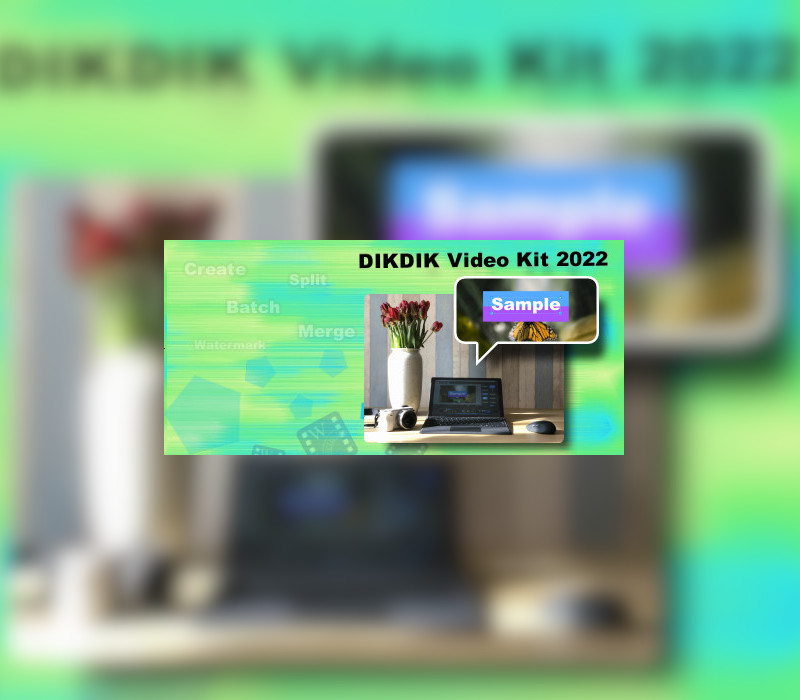
DIKDIK Video Kit 2022
iOnlysoft.com
€8.15
€8.15
In stock
Number of keys
Delivered to your account, usually within minutes after payment is confirmed.
Card payment on a hosted page with 3-D Secure.
- Replacement or refund if a key doesn't work.
Before you buy
- Platform
- Activates on Steam. You need a Steam account and the Steam app.
- Region
- Global: no regional lockREGION FREE
- Languages
- English, Chinese, French, German, Italian, Japanese, Portuguese, Russian, Spanish
- Delivery
- To your account, usually within minutes after payment is confirmed
The software is an batch video editor software for editing video, adding watermark and subtitle. It can add video, audio, image, words and subtitle in WYSIWYG, and can set time of appearance, position, size and animated effects for watermark and subtitle to video, and preview at will. It can add watermark and subtitle to videos in batch, splitting and merging video in batch. Features Put watermarks to videos in batch1. Edit WordArt effects in WYSIWYG.2. Create dynamic watermark effects (e.g. Expand, Scroll, Flash and Fade In).3. Insert coypright symbols C, R or TM to video.4. watermarks (video, audio, pictures, text).Add subtitles to videos in batch1.Edit subtitle in WYSIWYG.2.Create dynamic subtitle effects (e.g. Expand, Scroll, Flash and Fade In).3.Add .srt or .ssa subtitles to videos.Split video in batch1.Set number of parts or a duration of each clip.2.Set start and end points for every part.3.Remove title sequence and ending.Resize videos in batch1.Video resizing serves the same purpose as splitting. 2.Video landscape and portrait conversion. 3.Crop videos in batch.Merge videos in batch1.Add title sequence to videos in batch.2.Add tail leader to videos in batch.Extract sounds from videos in batch1.Add watermark to audio in batch.2.Record sound to vidoes.3. Convert videos to mp34. Merge multiple mp3 files into one.5. Split an MP3 into multiple MP3s.Convert videos in batch1.Support multi-core processor and concurrent conversion of multiple files.
Redeem on Steam
You need a Steam account and the Steam app.
- Step 1: Open Steam and sign in.
- Step 2: Open the Games menu, then choose Activate a Product on Steam…
- Step 3: Enter the key and follow the prompts.
- Step 4: The game appears in your Library.
Activation notes from the publisher
Go to: http://store.steampowered.com/ and download STEAM client Click "Install Steam" (from the upper right corner) Install and start application, login with your Account name and Password (create one if you don't have). Please follow these instructions to activate a new retail purchase on Steam: Launch Steam and log into your Steam account. Click the Games Menu. Choose Activate a Product on Steam... Follow the onscreen instructions to complete the process. After successful code verification go to the "LIBRARY" tab and start downloading.
- Platform
- Steam
- Region
- Global (listed as “REGION FREE”)
- Type
- Software licence
- Languages
- English, Chinese, French, German, Italian, Japanese, Portuguese, Russian, Spanish
- Publisher
- iOnlysoft.com
- Keyrook catalogue no.
- KR-E5B6A722AC
More for Steam
Close to this price.